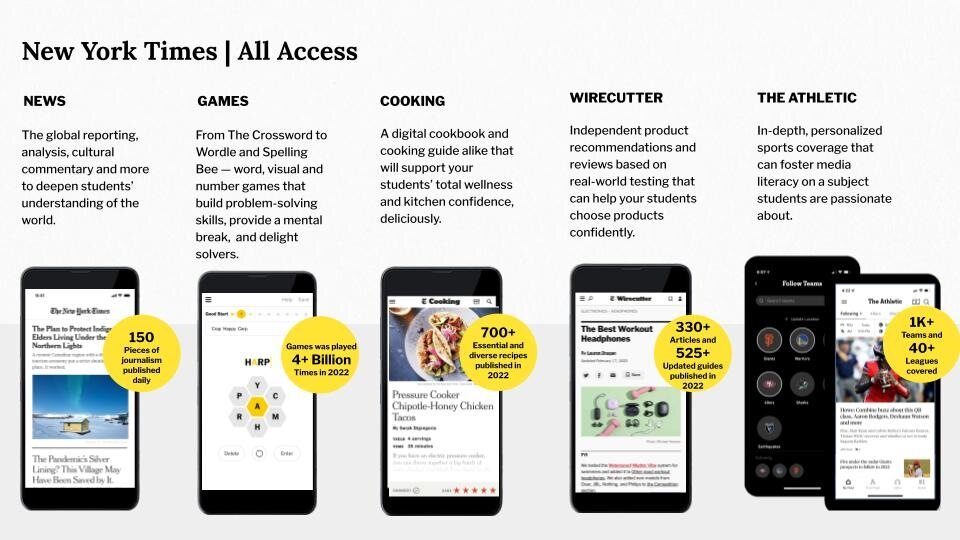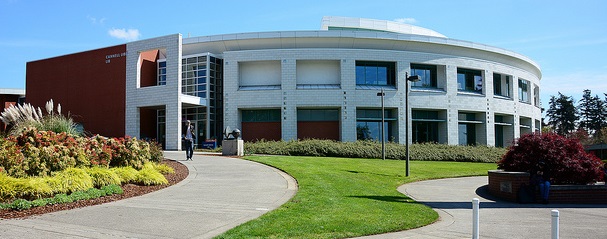
We are thrilled to announce that the Clark College Library now offers complimentary access to New York Times All Access for all students, faculty, and staff!
This exciting new resource provides access to breaking news, in-depth articles, multimedia content, and more—empowering our community with tools for research, education, and staying informed.
Set your Access Today
Users will need to set up NYT Online accounts while connected to the Clark College network, either on campus or through a VPN. That’s because the system checks your connection to make sure you are part of the college community by looking at the network’s IP address (basically, the internet “ID” for devices on Clark College’s network). Once your account is set up, you’ll be able to log in and access it from anywhere, no VPN needed. It’s just a one-time setup to get things started.
All students and all employees are eligible for NYT accounts.
How to Access Your New York Times All Access:
- Navigate to accessnyt.com
- Search for “Clark College - Vancouver, WA” and select it.
- Follow the steps to create your account.
Important Notes:
- Already registered with the New York Times? Click "Log in here" under the "Create Account" button.
- If you are an existing paid subscriber, you must cancel your subscription before authenticating through the college’s program.
- Students: Access continues until 12/31 of your graduation year.
- Faculty/Staff: Access lasts for four years and can be renewed via accessnyt.com.
This initiative underscores Clark College Libraries’ commitment to providing tools and resources that enhance learning, foster critical thinking, and support academic excellence.
If you encounter any issues during the registration process or need assistance, please do not hesitate to reach out.